Beta, small groups
Track your money by typing one line.
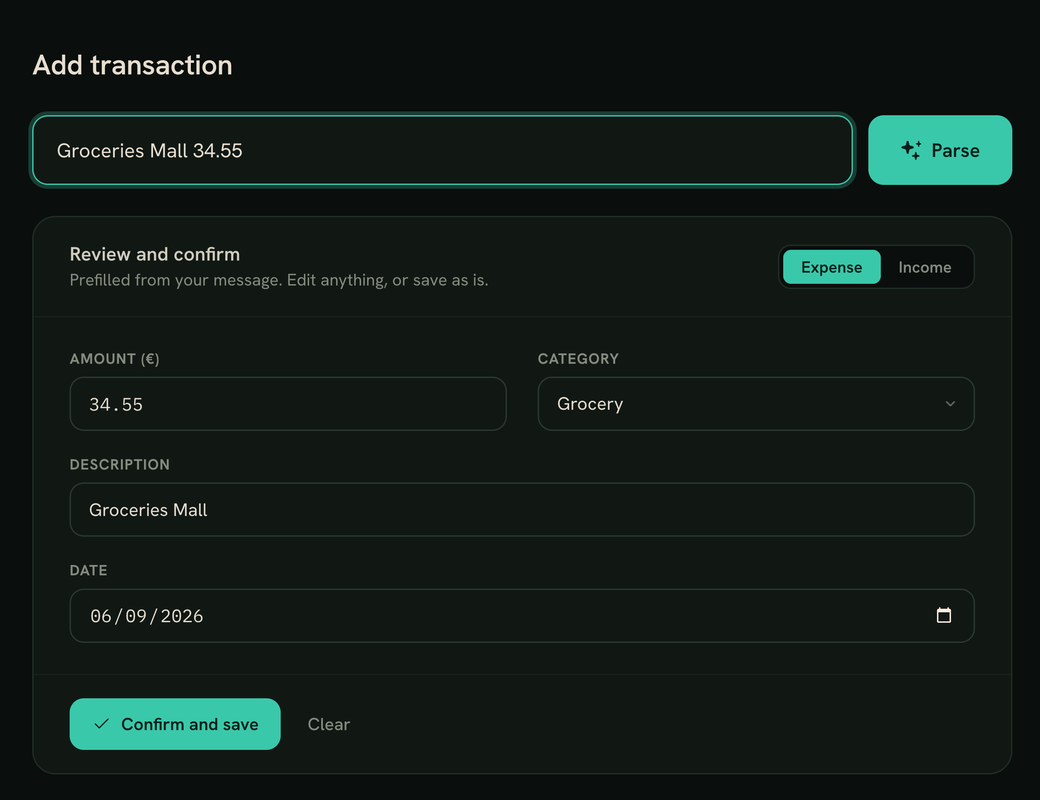
Type irish pub 4.50 and pago fills in the amount, the category and the description. You check them and save. Then the reports show you where your money went.
Thanks, you're on the list.
I'll email you when there's a place in the next test group. Know someone who still keeps their expenses in a notes app? Send them this page.
Why it exists
Money apps ask for too much. So I stopped using them.
Most money apps want forms, bank links and ten taps for every coffee. That works for a week. Then you stop logging, and the numbers stop meaning anything.
So I built the smallest thing that would keep me going: one line where you type what you spent, the way you'd tell a friend. pago reads it, picks the category and fills in the rest. If it guesses wrong, you fix it before saving.
That's most of it. Few features, all of them useful.
The real app
A quiet web app, on your desk and on your phone.
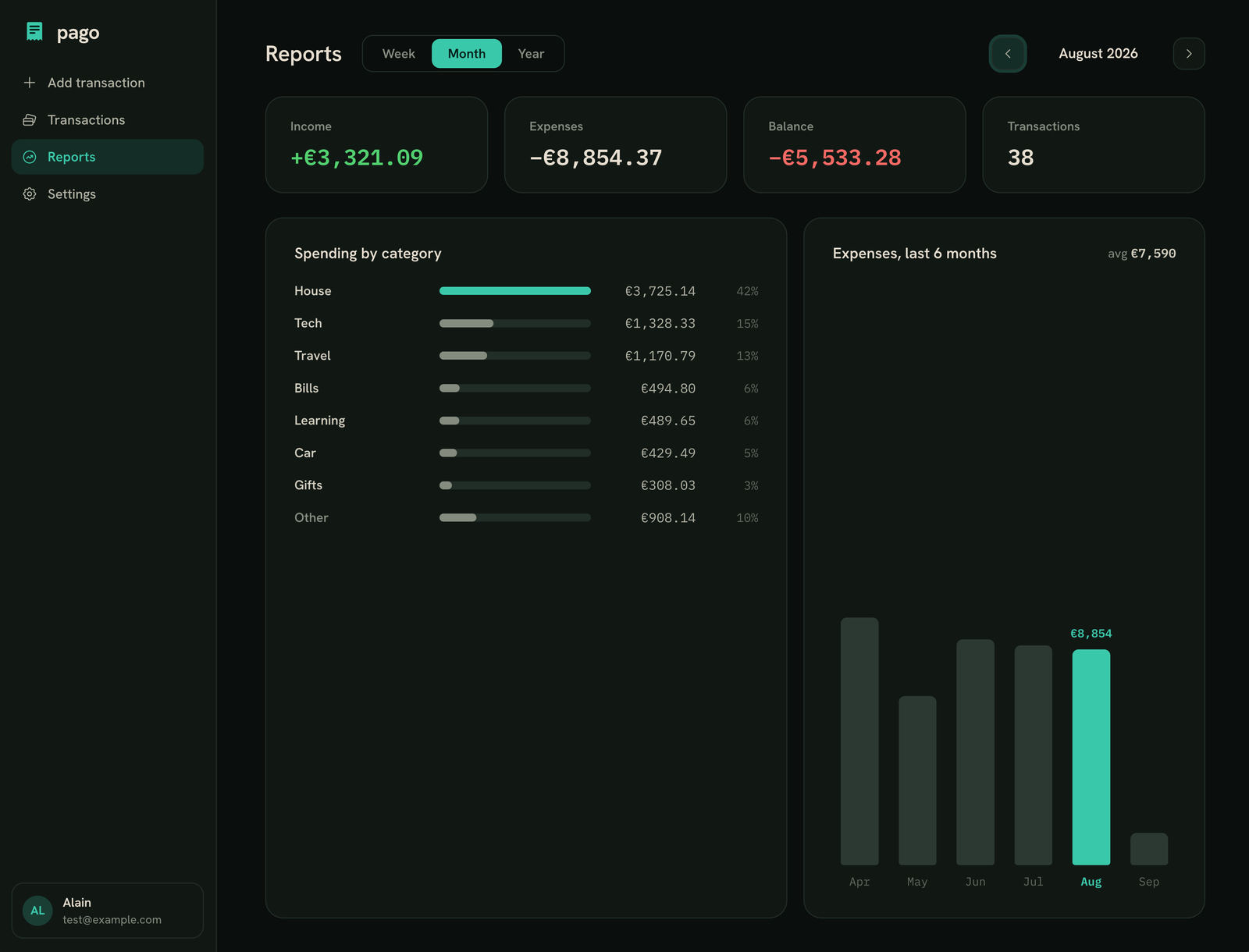
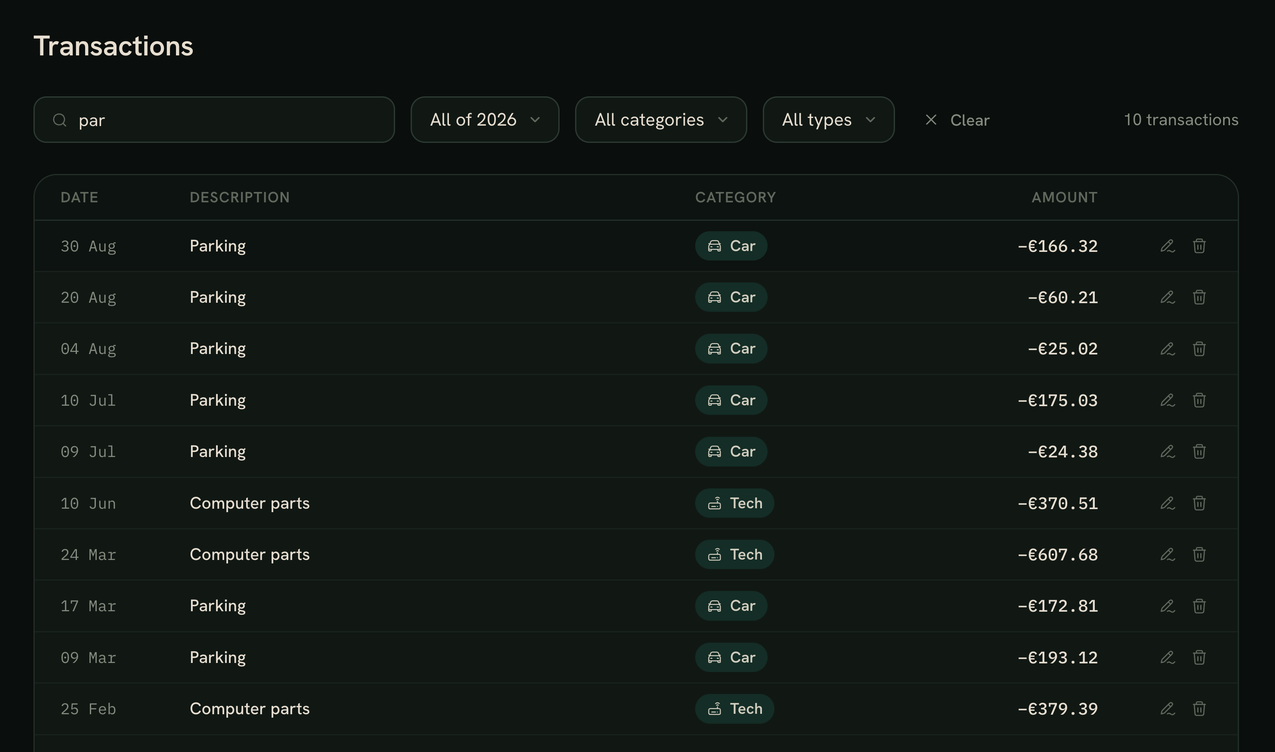
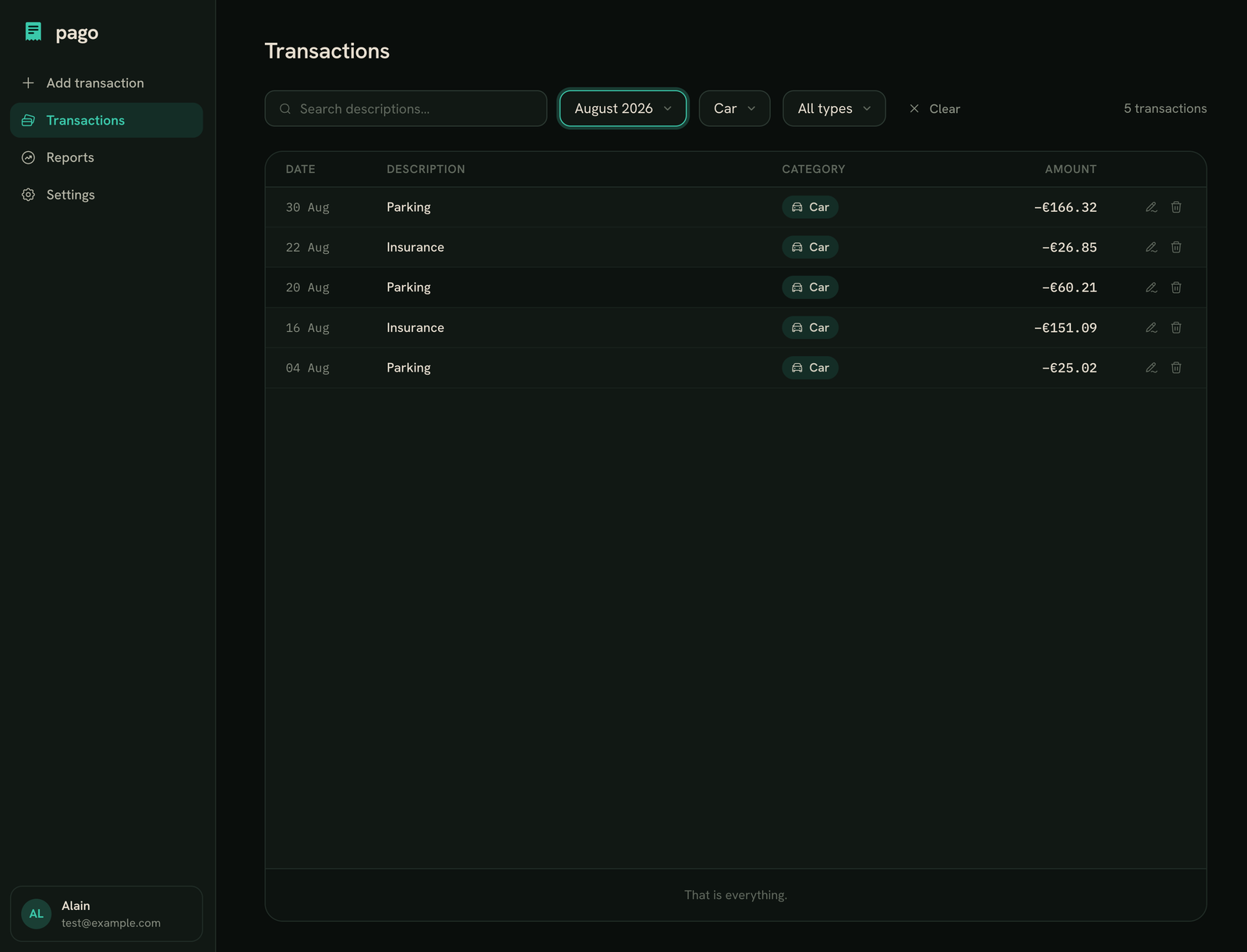
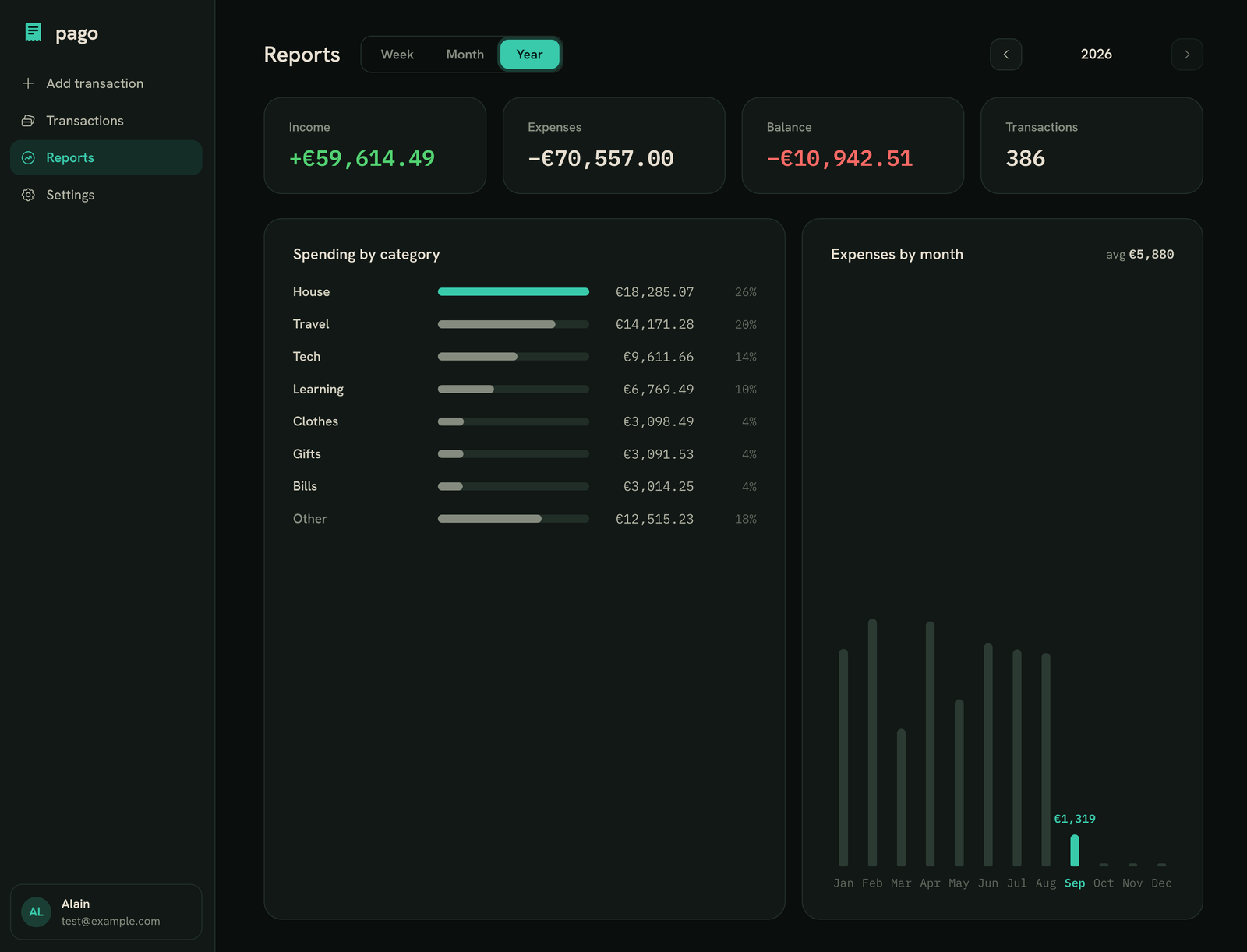
These are real screenshots of pago. It works on desktop and on your phone.
What it does
The short list.
Everything here works today. Nothing on this page is a promise for later.
Add in plain words
Type "irish pub 4.50" or "january salary 3k". pago fills in the fields, you check them and save. Or fill them in yourself.
Sorts it for you
17 expense categories and 2 for income. pago picks one, you can change it before saving.
Catches doubles
If a new expense looks like one you saved recently, pago warns you before you save it twice.
Hide your amounts
One tap hides the numbers, for when someone is looking at your screen.
Recurring items
Rent, subscriptions, salary: set them once and pago adds them every month.
Search and reports
Search your descriptions across all your years, and see reports by week, month and year.
Your data, your way out
Export every transaction as a CSV file, any time. Sign in with a passkey, no password.
What it does not do
On purpose.
Leaving things out is what keeps pago fast to use.
bank links
pago never connects to your bank. You tell it what you spent, and only that is stored.
investments
No stocks, no net worth, no crypto. Just money in and money out.
shared wallets
It's for one person's money. Splitting bills with friends is a different app.
ads or data selling
Your spending is yours. It's not for sale.
How the beta works
Small groups, so I can listen.
Leave your email
One field. I only use it for the beta and the launch.
Get an invite
I let people in small groups, so I can answer everyone.
Use it, tell me
Tell me what's annoying and what's missing.
Hear first at launch
When pago launches, testers hear about it before anyone else.
Try logging a week of spending with one line each.
Join the beta and I'll send you an invite when the next group opens.
Thanks, you're on the list.
I'll email you when there's a place in the next test group. Know someone who still keeps their expenses in a notes app? Send them this page.